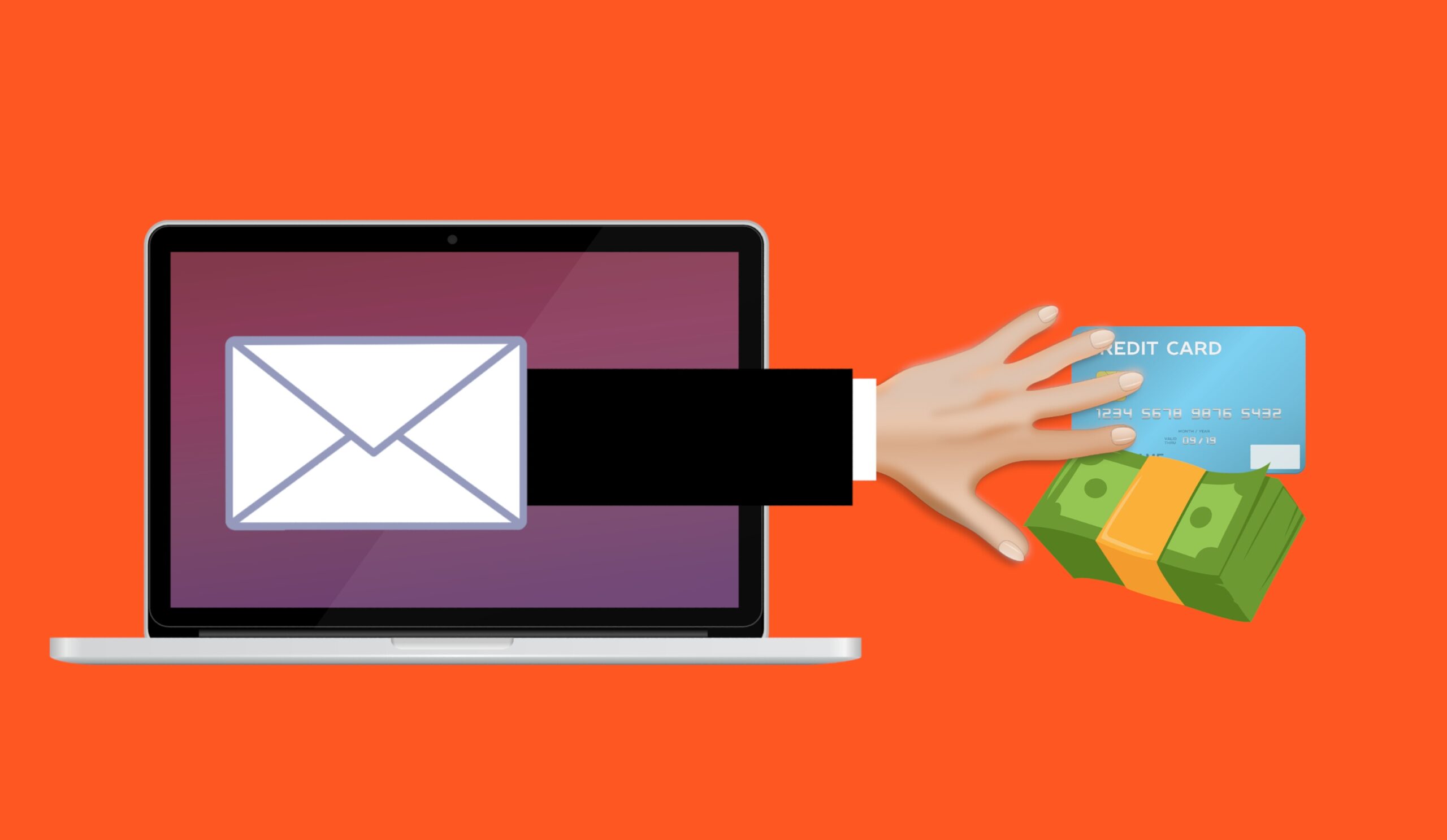
Most people protect an account with a strong password and a code from their phone. That feels safe. But hackers can now use your AI account without your password at all. They do not break the lock. They copy the key you are already holding.
On 30 August 2026, Anthropic told some Claude users this had happened to them. Malware on their own computers had copied their active Claude login and handed it to strangers. Those strangers then used the accounts. No password was typed. No phone code was needed.
Here is what actually happened, why it can happen to a ChatGPT or Gemini account too, and the five minutes of work that shuts it down.
What happened to Claude accounts in August 2026
Anthropic found that a type of malware called an infostealer — software that quietly copies private files and logins off your computer — had stolen live Claude sessions from users’ PCs. The attackers then used those accounts and burned through the owners’ paid usage.
The company named the malware families it found: Vidar, LummaC2, StealC, RedLine and Acreed on Windows, plus Atomic Stealer (AMOS) on a small number of Macs. These are old, well-known criminal tools. They were not built for AI. They simply added AI sites to their shopping list.
Anthropic gave users a simple warning sign, quoted by BleepingComputer: “If your usage limits looked like they refilled and then drained while you weren’t using Claude, this was likely the cause.”
The company signed affected users out, removed saved payment cards from those accounts, and refunded charges it could identify as unauthorised. It also made one point very clear: the malware had nothing to do with Claude itself. It was not installed through Claude. One affected user confirmed they had downloaded pirated software.
The one-line takeaway: the AI company was not hacked — the users’ own computers were.
How can someone use your AI account without your password?
They steal your session, not your password. When you log in, the site gives your browser a small file called a session cookie. That cookie is proof you already logged in. If malware copies it and pastes it into another browser, that browser looks like you — so the site never asks for a password or a two-factor code.
Security people call this a “pass-the-cookie” attack. Think of a hotel. Your password is your name at the front desk. The session cookie is the room key card you get after check-in. Someone who steals the key card walks straight past the desk. Nobody asks who they are.
This is why two-factor authentication — the six-digit code from your phone — does not save you here. That code is checked at the front desk, during login. A stolen session skips the front desk entirely.
What can a stranger actually see in your AI account?
More than most people expect. An AI account is not just a tool you use. It is a written record of what you asked and what you were working on.
- Your full chat history. Work documents, contracts, medical questions, money worries, half-finished job applications.
- Files you uploaded. Spreadsheets, resumes, client data, screenshots.
- Your paid usage. This is what attackers wanted in the Claude case — free access to an expensive model on your bill.
- Anything the account is connected to. If you linked email, calendar or cloud storage, those links can be used too.
The IBM X-Force Threat Intelligence Index 2026, published in February 2026, found that more than 300,000 sets of ChatGPT login details were advertised on dark web markets during 2025. Almost all were linked to infostealer infections. IBM’s researchers noted that criminals now treat AI chat accounts as a target worth harvesting, because of what people type into them.
Your chat history is a diary you never meant to keep. That is the real loss, not the subscription fee.
How do you know if your AI account was hijacked?
Check three things. First, your usage: limits that drain while you are asleep or not working. Second, your chat list: conversations you do not remember starting, or ones that vanish. Third, your active sessions list: devices, browsers or countries you do not recognise.
Other signs worth taking seriously:
- A charge or plan upgrade you did not make.
- Login alert emails from a city you have never visited.
- Your antivirus flagging something a few days before the odd activity started.
- You installed cracked software, a “free” premium app, or a random browser extension recently.
That last one matters. Pirated software and fake installers are the most common way infostealers get onto a home computer.
How to protect your AI account from session theft
Do these in order. The order matters, and most people get it wrong.
- Clean the computer first. Run a full scan with your antivirus, or Microsoft Defender on Windows. If you cannot get it clean, do not log back in from that machine. Signing out while the malware is still there just gives the thief a fresh session next time you log in.
- Log out of every device. In ChatGPT, open Settings, then Security, then Active sessions, and choose “Log out all”. OpenAI’s help page notes this can take up to 30 minutes to fully apply. Claude and Gemini have similar options in account settings.
- Change your password after the sign-out, from a device you trust.
- Turn on two-factor authentication. It does not stop a stolen session, but it stops the next attacker who only has your password.
- Remove saved payment cards from AI accounts you rarely pay on.
- Delete browser extensions you did not deliberately install. Some extensions read every chat you type.
- Stop pasting sensitive data into chats. Bank details, ID numbers, client contracts and passwords do not belong in a chat window that lives in the cloud.
Why AI accounts became a target this year
Two reasons. One is money: a hijacked account gives free access to models that cost real money to run, and criminals resell that access. The other is data. Verizon’s 2025 Data Breach Investigations Report tied credential abuse — using someone’s stolen login instead of hacking the software — to 22% of confirmed breaches. AI chats are now full of exactly the material that makes a stolen login valuable.
This fits a wider pattern we have covered before, from AI meeting notetakers quietly recording private calls to AI models being used in cyber attacks. The AI tool is rarely the weak point. The account around it usually is.
Attackers are not breaking into AI systems. They are walking in as you.
Frequently Asked Questions
Can someone use my ChatGPT account without my password?
Yes. If malware copies the session cookie your browser holds after you log in, an attacker can load that cookie and appear as you. No password or two-factor code is requested, because the site already believes the login happened.
Does two-factor authentication stop this?
Not by itself. Two-factor codes are checked at login, and a stolen session skips login completely. It still protects you against attackers who only have your password, so keep it switched on.
Was Claude or ChatGPT hacked?
No. In the August 2026 case, Anthropic said the malware came from users’ own computers and had no connection to Claude. The company signed affected users out, removed saved payment methods and refunded unauthorised charges.
How did the malware get on the computer?
Usually through pirated software, fake download pages, cracked game installers or malicious browser extensions. Anthropic confirmed that one affected user had downloaded pirated software before the theft.
What should I do first if I think my AI account was used?
Scan and clean your computer before anything else. Then log out of all devices from the account settings, change the password from a device you trust, and remove any saved payment card.